How to Use BME Hub
BME Hub is designed to support the full two-year Business Management and Enterprise journey for students, teachers, parents and tutors.
The site can be used as a main source of course content or as a supplement alongside classroom teaching, textbooks, revision notes and school resources.
Each syllabus point is broken into clear explanations, examples, audio, video and workbook-style practice so students can learn, revise and apply the course in a way that suits them.
🎓 Students — Learn, revise and practise
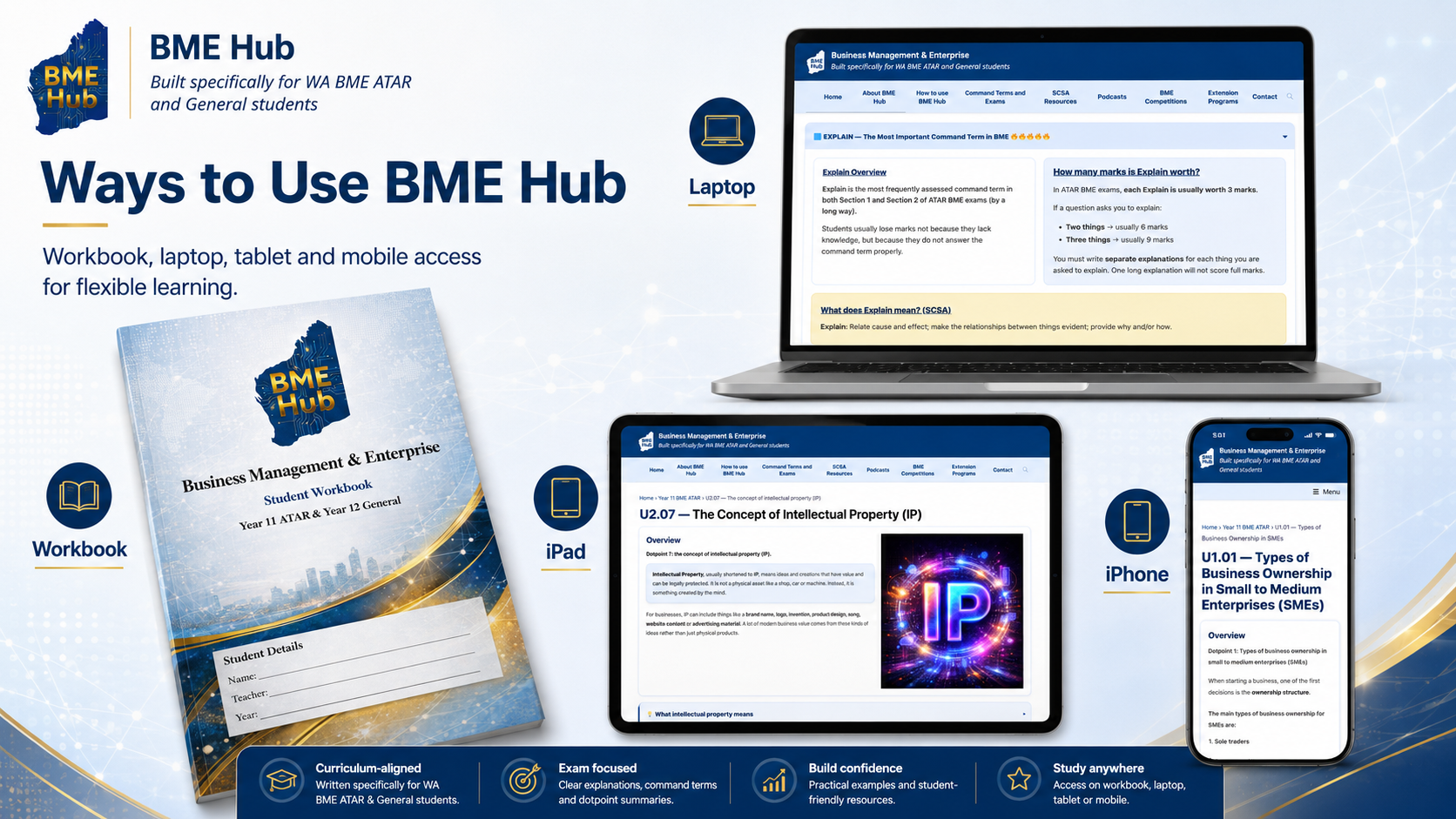
Students can use BME Hub as their main source of content or as a supplement to what they are learning in class. The site works across laptop, iPad and phone, making it useful for classroom learning, home revision, online learning or remote study.
Detailed syllabus content
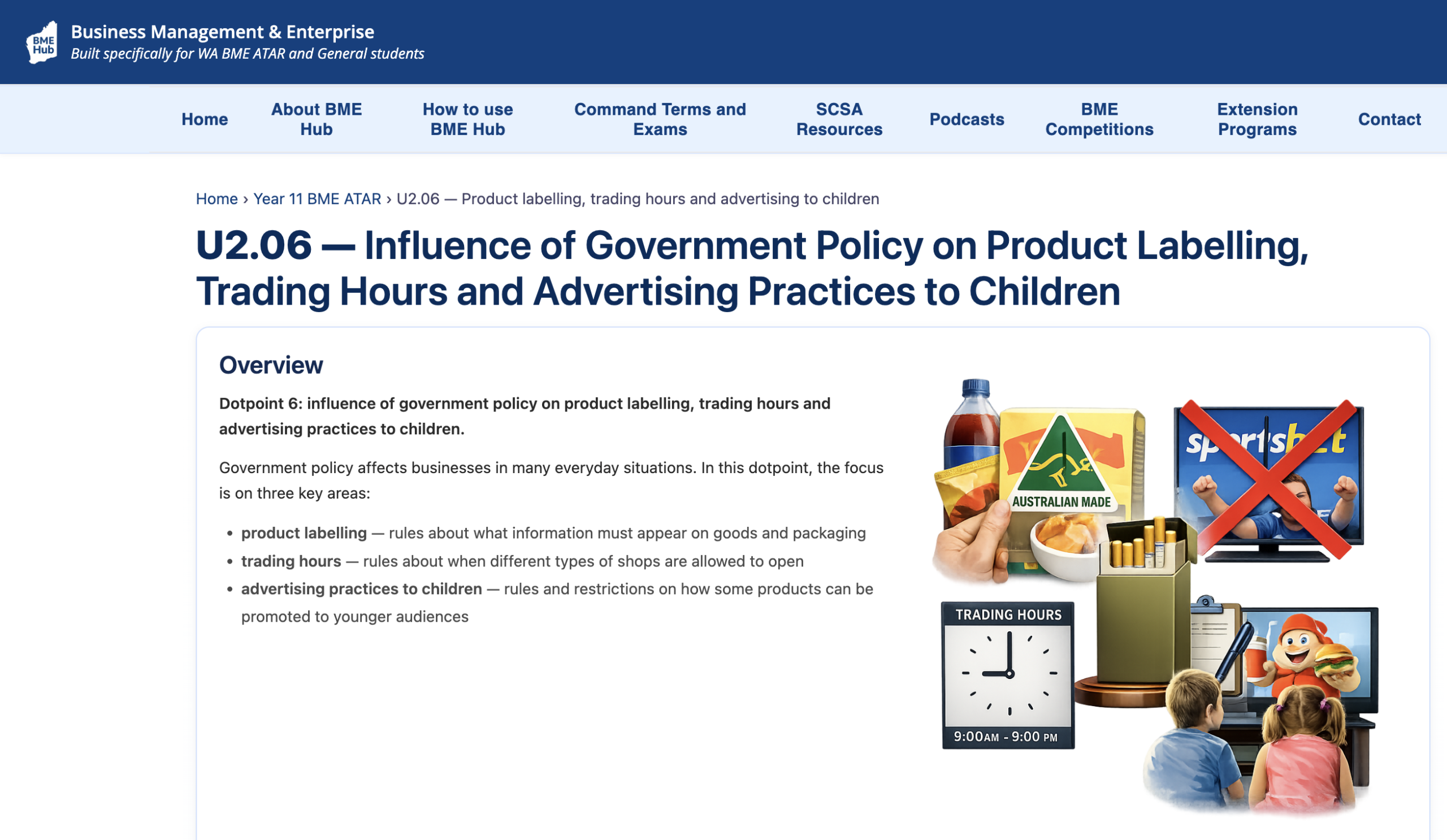
Each syllabus point has its own page with clear explanations, real-world examples, visuals and activities to help students understand the course. The content is curriculum aligned and built specifically for WA BME ATAR and General students.

Audio and visual learning
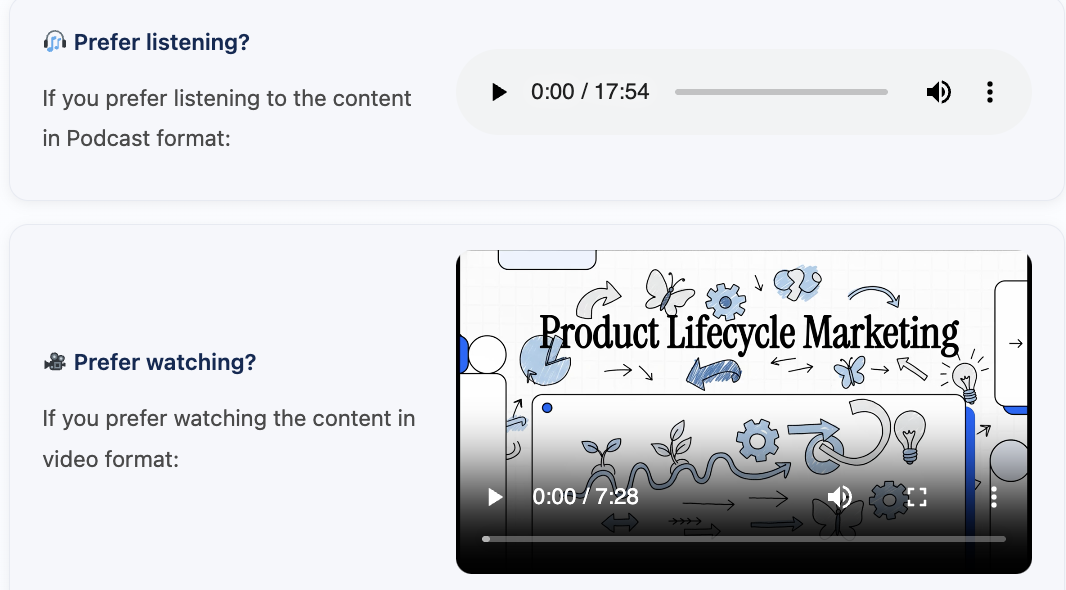
Most syllabus pages include audio, podcasts, images and video-style resources, which helps students who prefer auditory or visual learning.
Workbook support
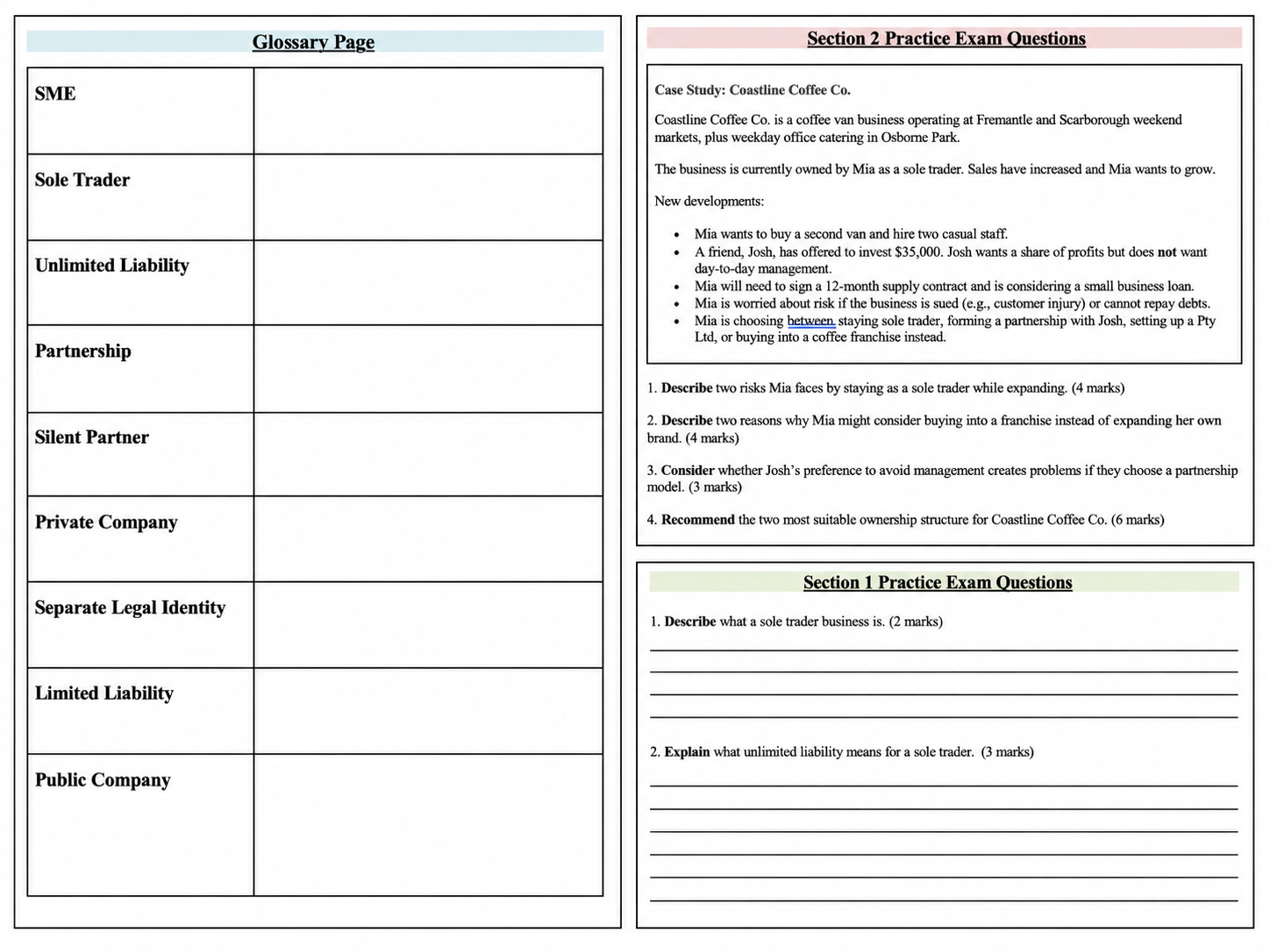
The workbook includes summary notes, glossary pages for key terms, and past-paper-style exam questions with answers.
Extra support for General students
General students can use the workbook for more research tasks, group-based activities and more relaxed quiz-style learning activities.
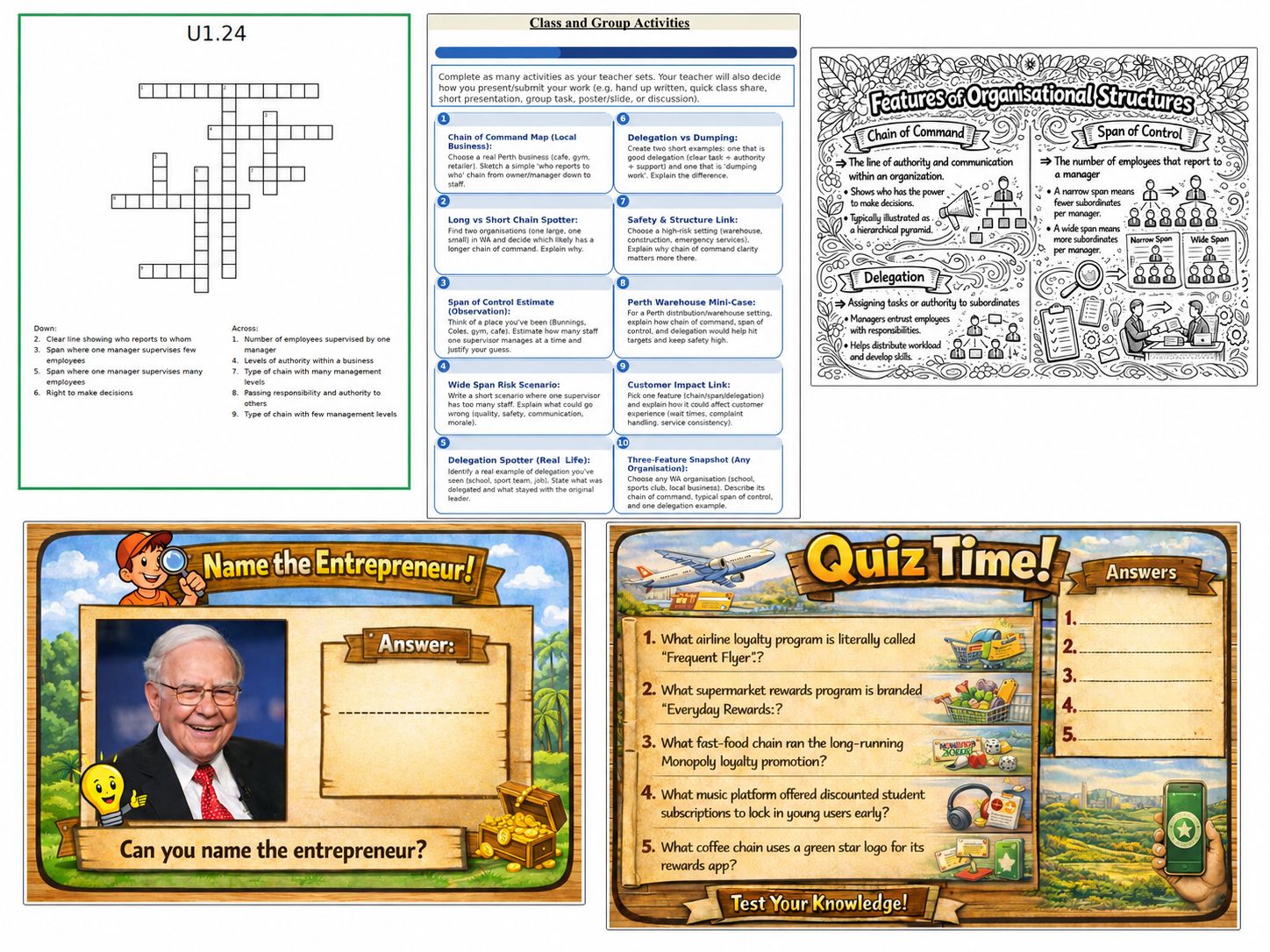
BME Hub also includes pages that explain how to study for BME and how to answer key command terms.
For students who want to explore the world of business further, the site also includes links to recommended podcasts, competitions and extension programs that can be discussed with a teacher.
👩🏫 Teachers — Structure, guide and extend learning
Teachers can use BME Hub as a main course platform or as a supplementary resource alongside their own lessons, assessment tasks and classroom materials.
The site is designed to be student-centred. Students can access explanations, examples, audio, visuals and workbook tasks independently, while the teacher guides discussion, checks understanding and supports application.
A platform for the whole course
Each syllabus point is organised into its own page, giving students a clear pathway through the BME course.
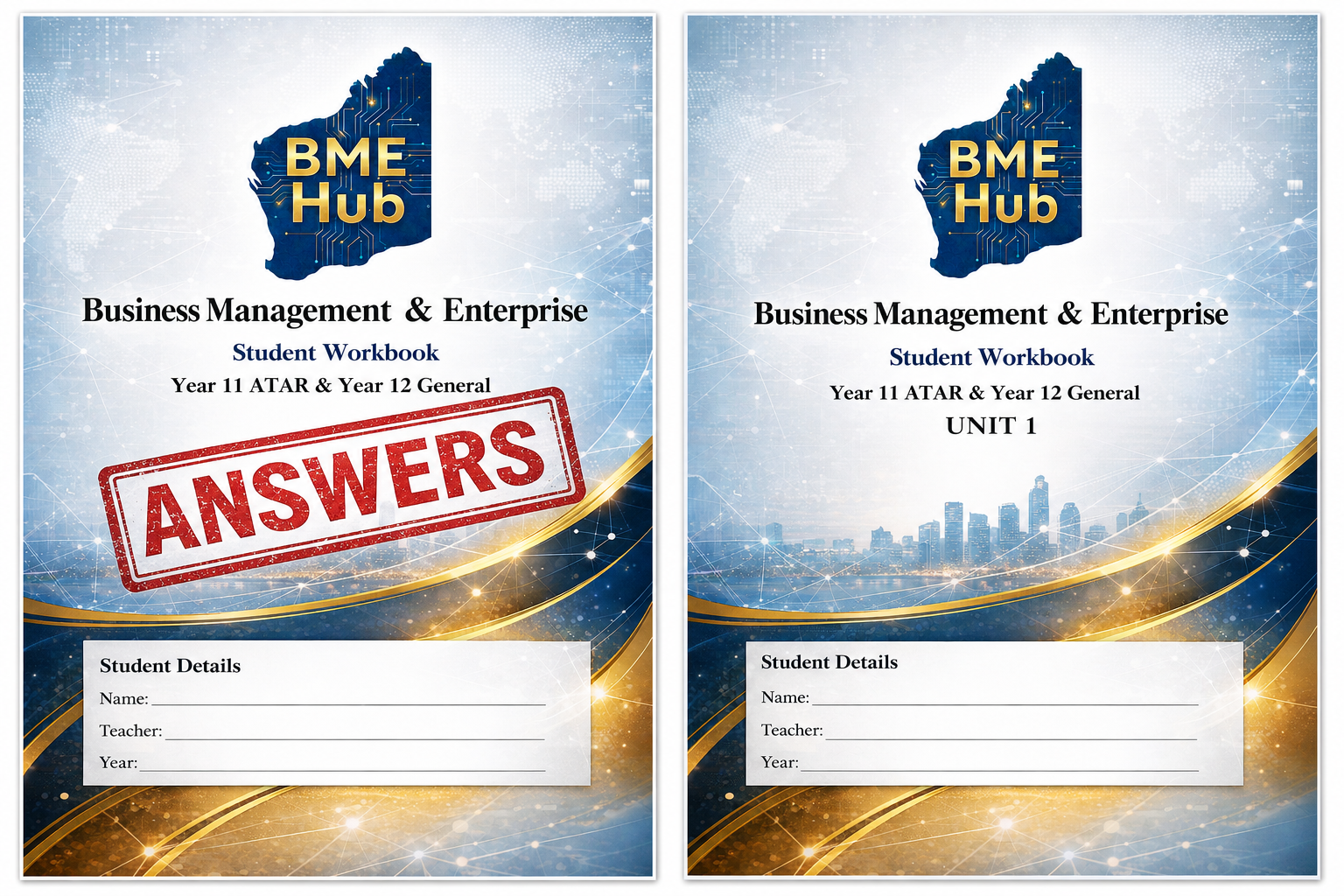
Workbook with answers
The workbook gives teachers ready-to-use practice questions, activities and answers that can be shared with students when appropriate.
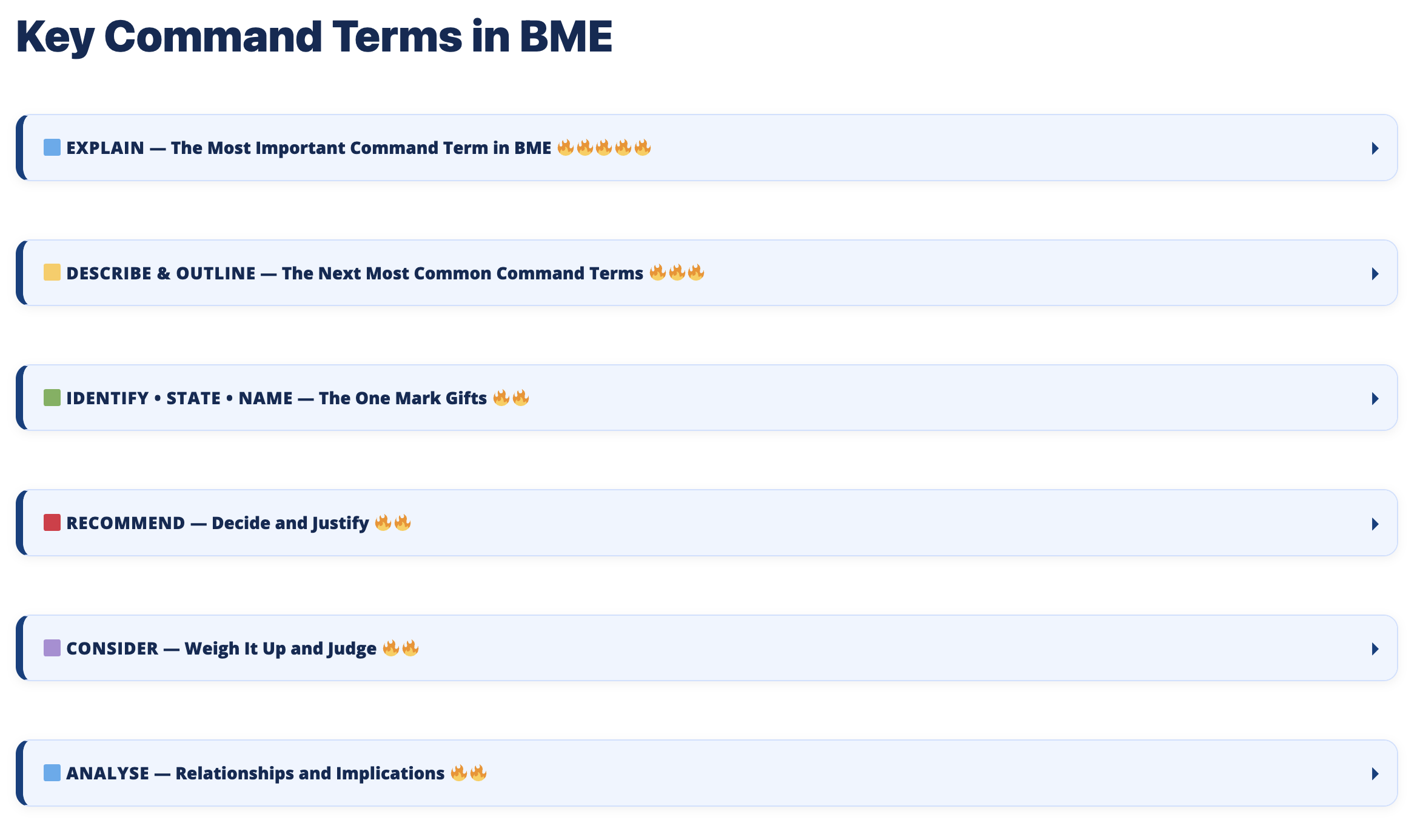
Command term support
The command terms page helps guide students on how to structure answers for the main BME question types.
Extension opportunities
Teachers can use the podcasts, competitions and extension programs pages to add enrichment opportunities beyond normal course content.

Suggested classroom approach
A useful approach is to let students work through the online content first, then use class time for discussion, application, workbook practice, feedback and exam technique.
🏠 Parents and Tutors — Support study at home
Parents and tutors can use BME Hub as a study guide to help students revise content, test understanding and practise exam-style responses.
The site makes it easier to see what students are expected to know because each syllabus point is broken into a separate, easy-to-follow page.
Check understanding
Parents and tutors can ask students to explain key terms, summarise a syllabus point or talk through an example from the page.
Use the workbook
The workbook can be used to practise questions, build glossary pages, write summary notes and prepare for assessments.
Support exam technique
The command terms page helps students understand what questions are actually asking them to do.
Build study habits
The How to Study for BME page can help students plan revision, practise retrieval and prepare more effectively.
BME Hub is especially useful for students who need extra structure, are learning remotely, or want a clear place to return to when revising.